Well this is not "Technically" part of the orginal game it IS vital in most players estimation. Once you start using Decal Plugins you will NEVER go back.
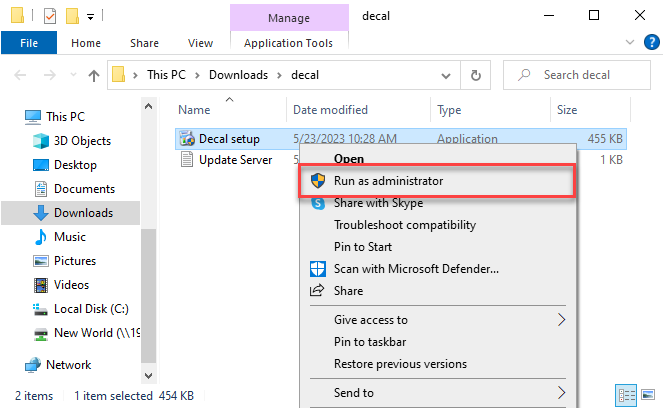
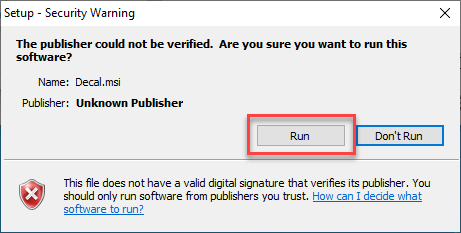
Download, Extract and Run as administrator.
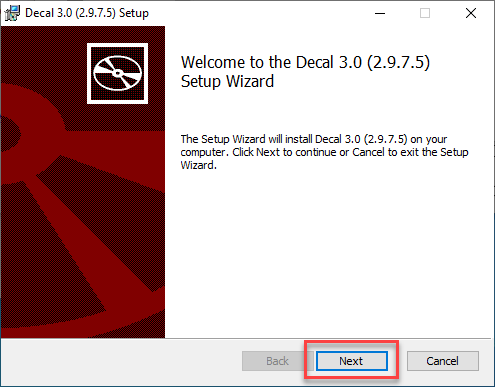
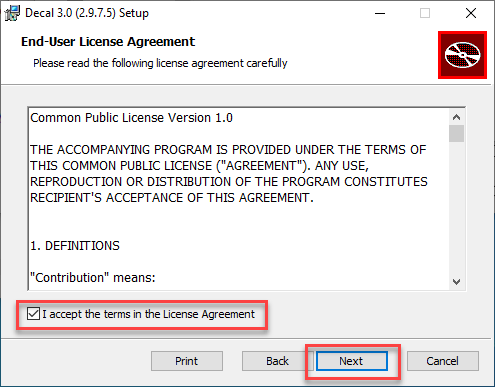
I always choose Complete but you could select Typical if you want.
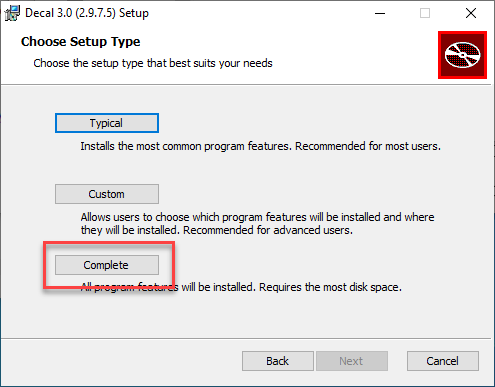
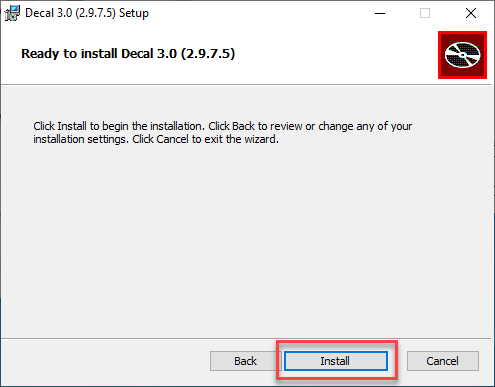
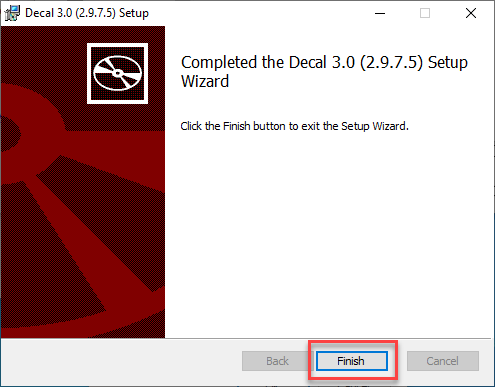
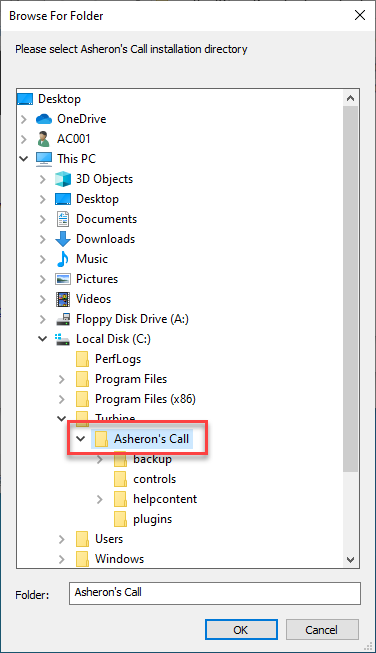
And now the fun begins. Browse to the C:\Turbine\Asheron's Call directory. Then click OK.
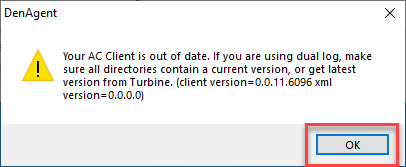
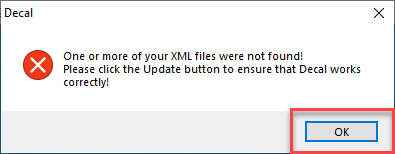
Next you will get a warning. Just click OK. We're going to fix this.
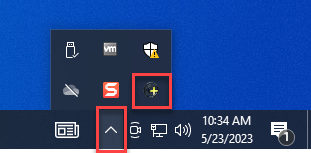
Click on your System Tray (little ^ in the lower right corner of your Windows screen by the date). Location the icon with a "+" sign in it.
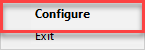
Then right click and choose Configure.
Ignore this warning
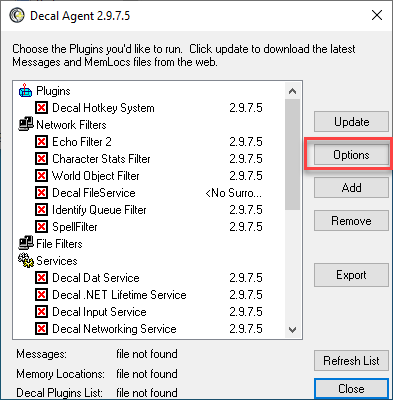
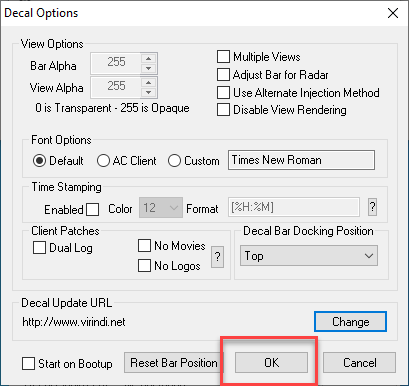
On this screen click the Options button.
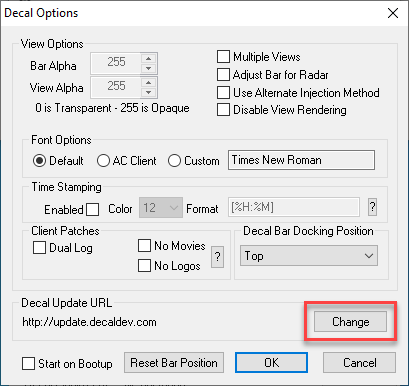
We're going to change the Decal Update URL.
Type or copy and paste http://www.virindi.net into the field.
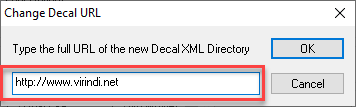
Click OK.
Now click Update.
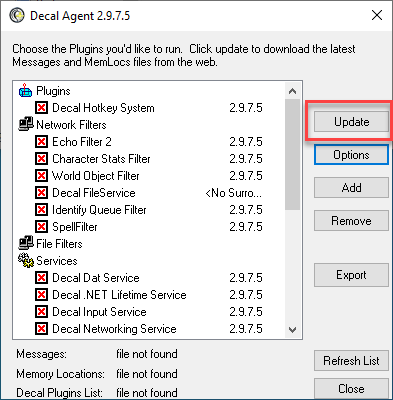
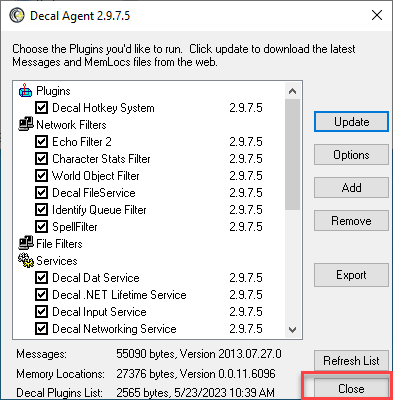
All the boxes should have a check mark inside them. If they don't... you messed up, go back and try again. Otherwise Close.