These are SOME of the plugins available and what we consider the basics.
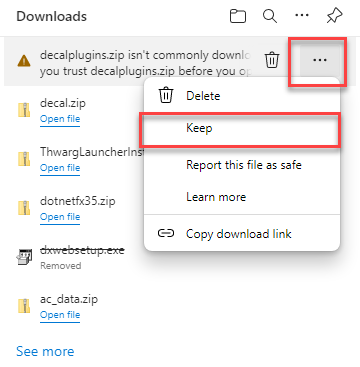
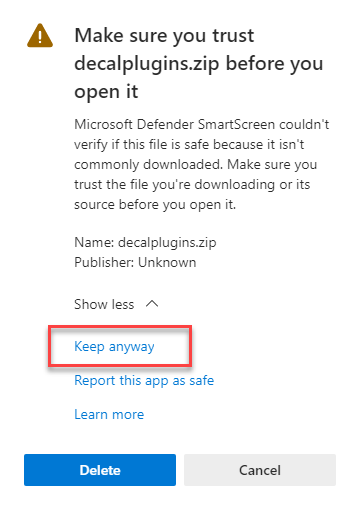
Download. It will warn you that it isn't a common download and if you do download it you will cause a nuclear armagaddon. Oh well, it's been fun...
Ok, show me more...
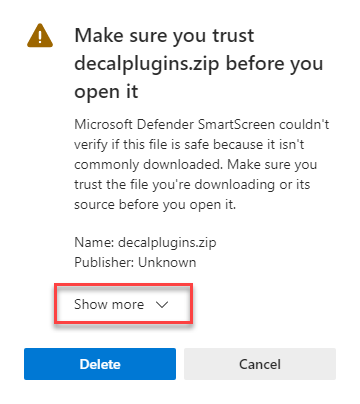
God they really are paranoid.
Ok now you have the files unpacked. Time to move them from the Downloads directory
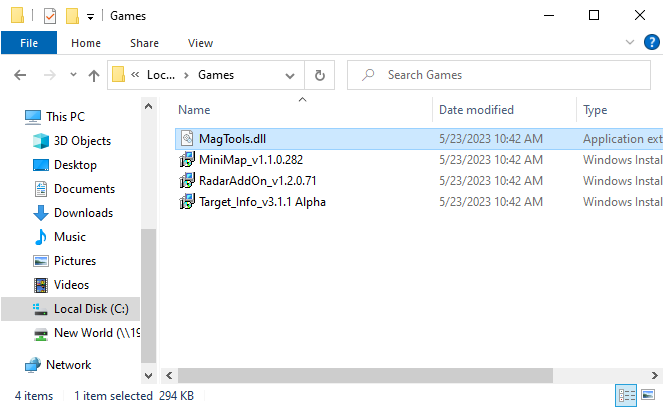
to the C:\Games\ directory
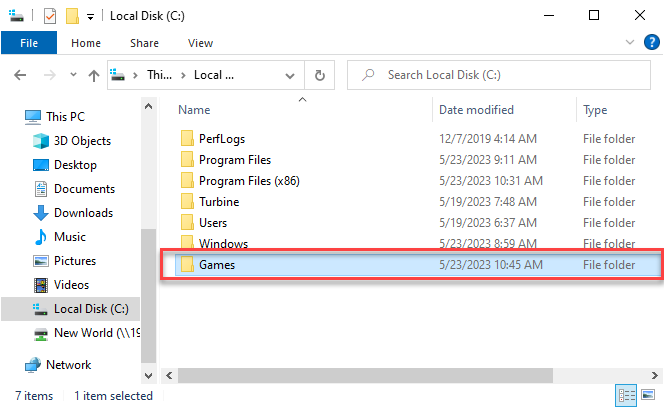
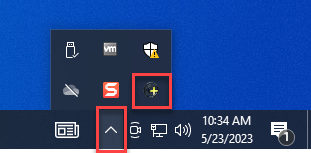
Next, click on your System Tray (little ^ in the lower right corner of your Windows screen by the date). Location the icon with a "+" sign in it.
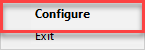
Then right click and choose Configure.
Then click Add.
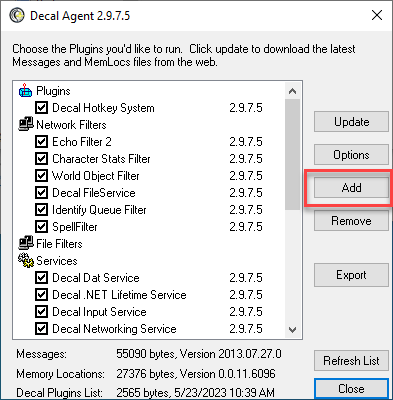
Next we are going to Browse to the C:\Games directory
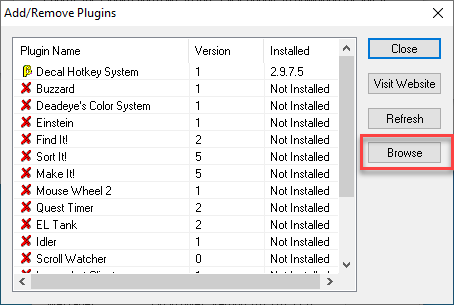
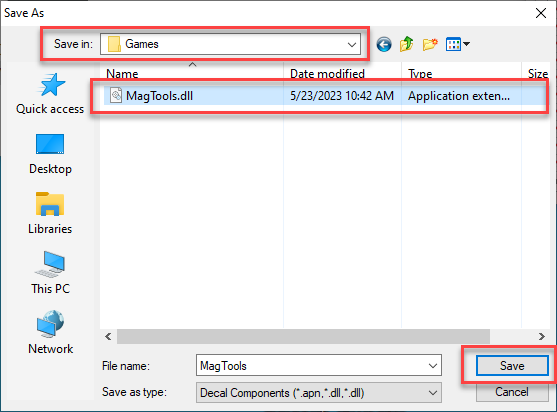
MagTools.dll should be the only one in there right now. Select and Save.
Close this.
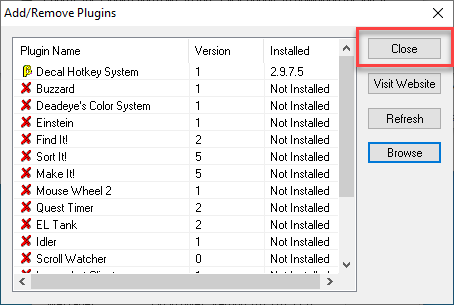
You should have Mag Tools under Plugins installed now.
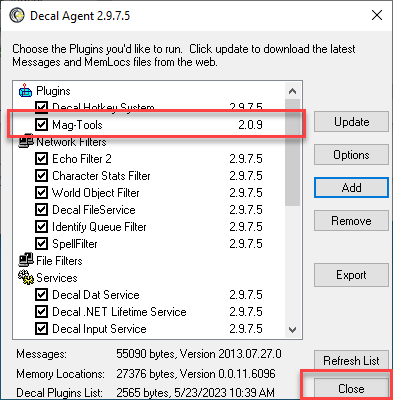
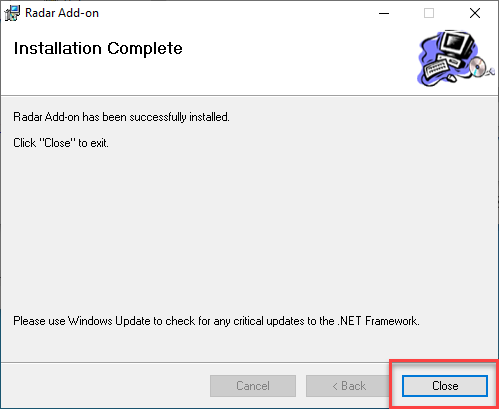
Most other plugins you will install are straight forward. Download, install and your done. I've included a sample of the process;
Double click or right click and Run as administrator on the plugin installer file.
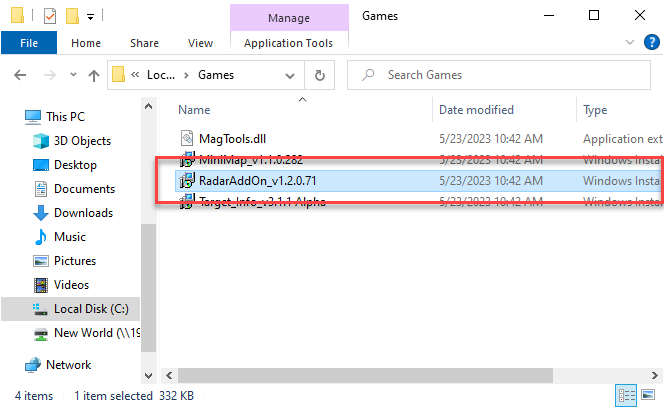
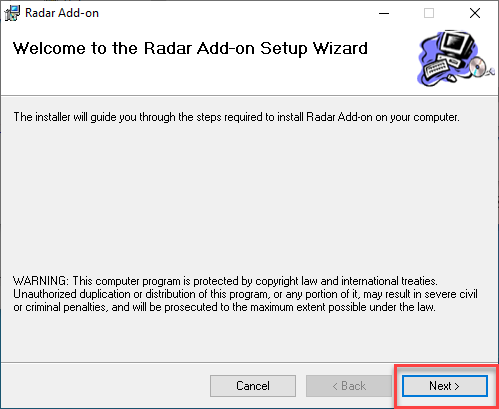
Usually a Welcome screen.
It SHOULD install to the default Decal Plugins directory.
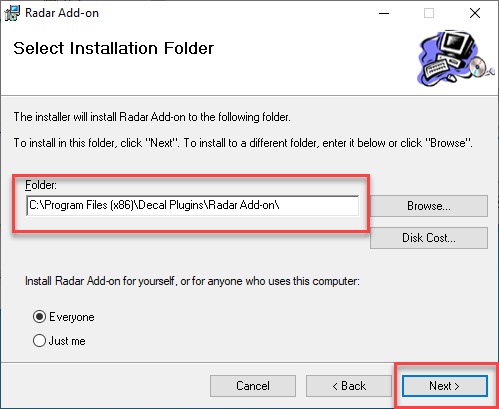
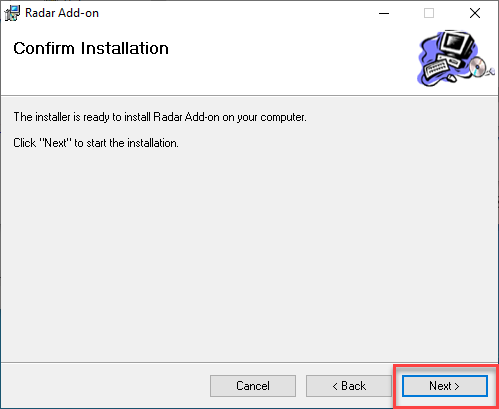
Confirm because we're never sure.
You're done. All the magic of the plugin happens in-game.