Well you've made it this far, Congratulations. But you still can't rule the game because it still thinks it's 2017 and wants to phone home. Thwarg Launcher redirects the phone call to whatever server you want.
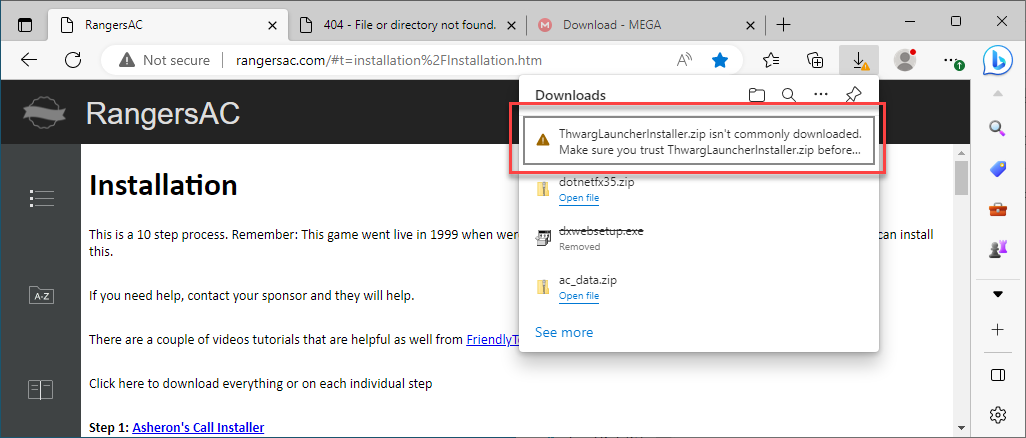
Download, unzip and run.
Stupid warning. You should know the drill by now.
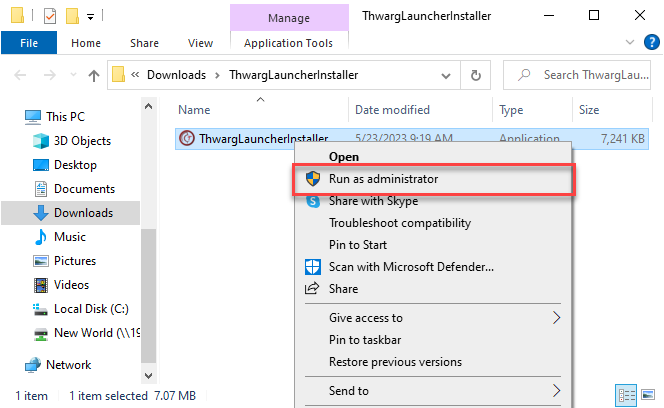
Run as administrator.
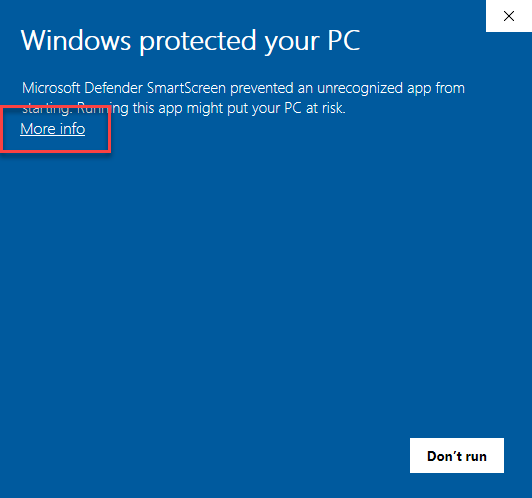
OOww new warnings.... ignore
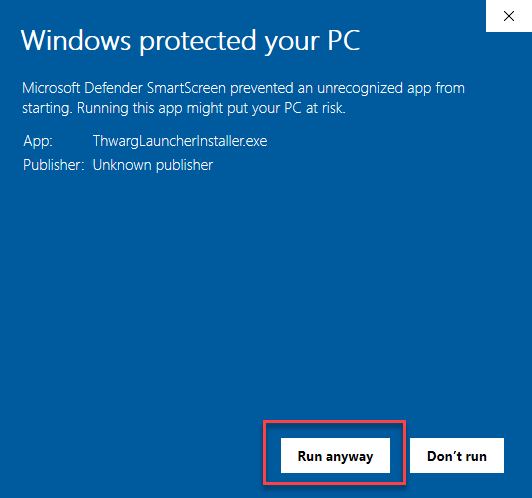
Live dangerously... Run anyway.
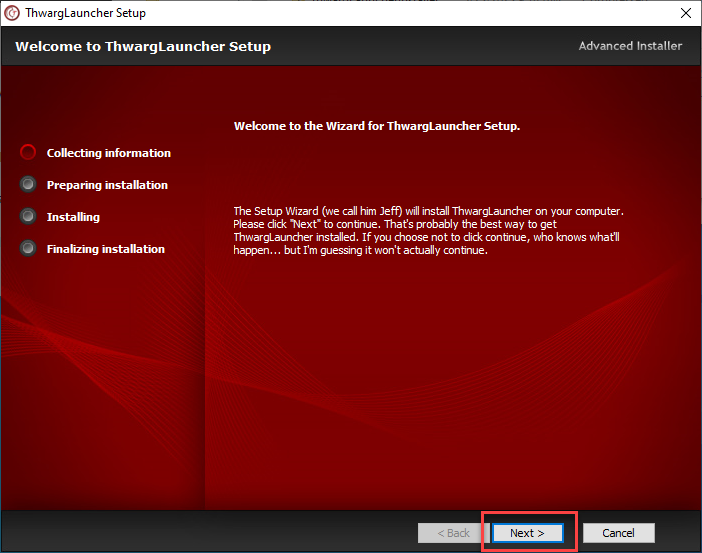
The next screens are Thwargle being very verbous and sometimes funny.... Jeff LOL!!!
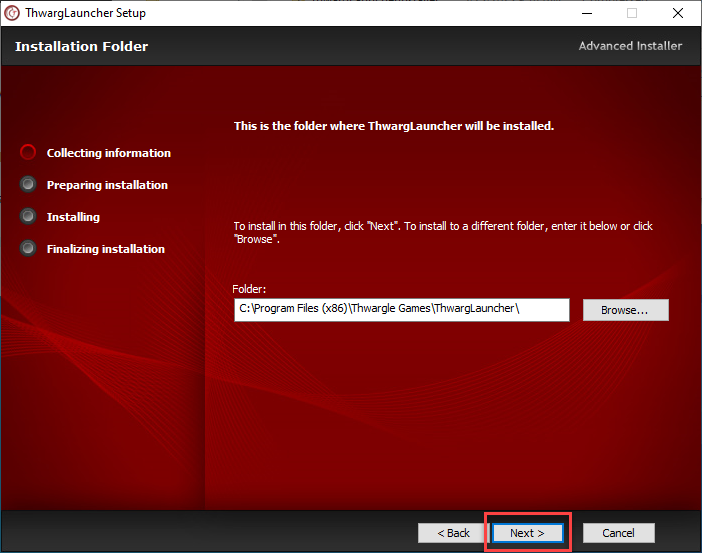
Leave as default directory.
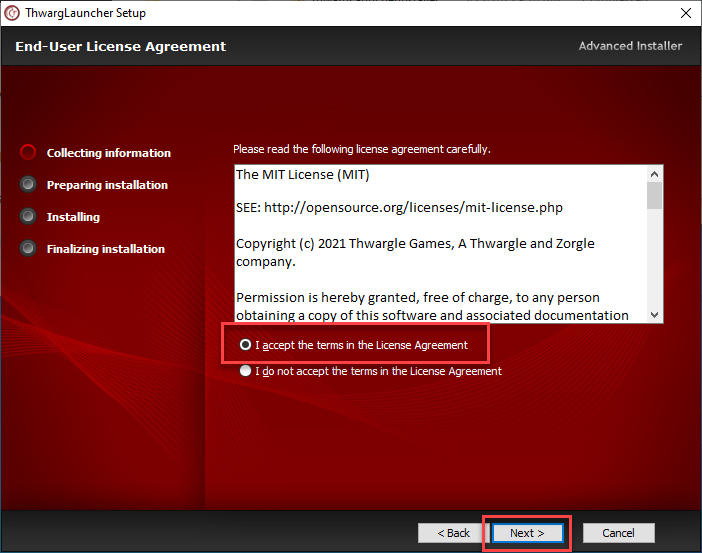
You need to accept to take Thwargle's wife and children (all 12) ever other weekend. He keeps the dog.
Last chance. You can back out now.
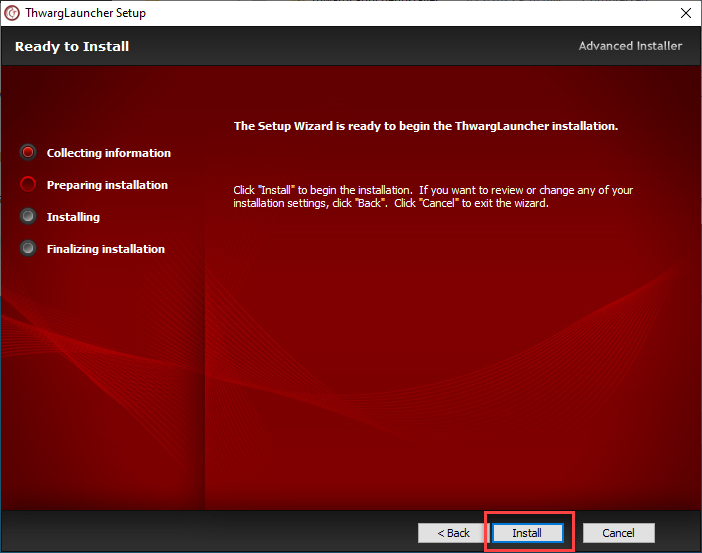
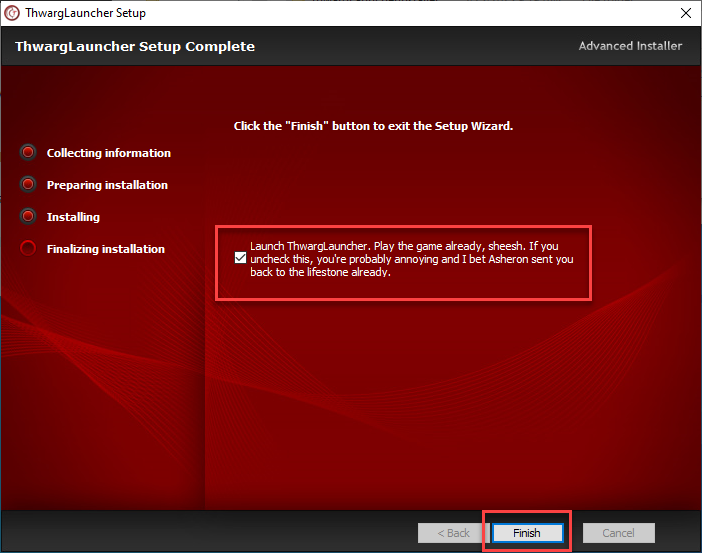
Finally, we're done... well not quite. You CAN technically start the game but hang on just a little bit longer.
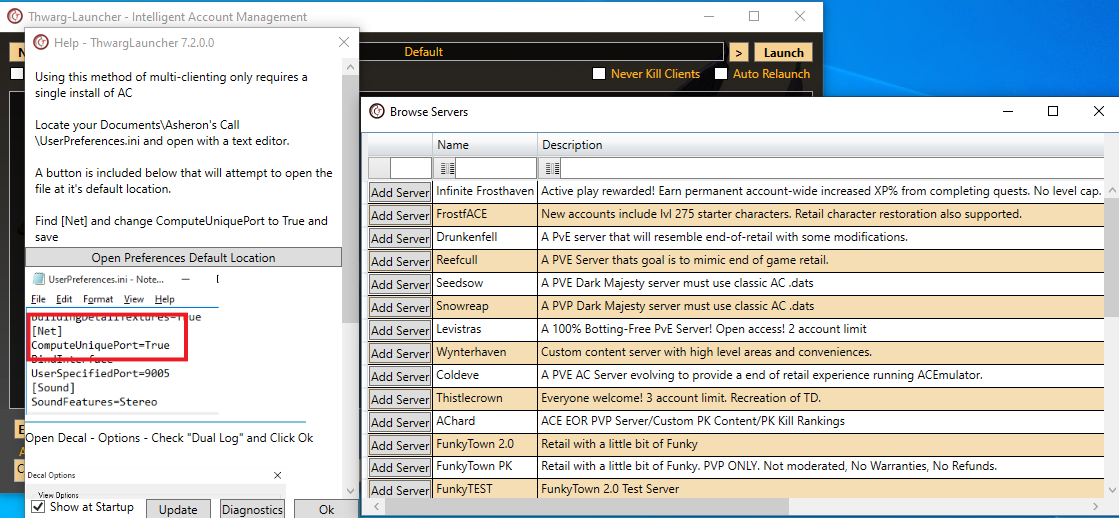
You're going to get this mess. Don't worry. First, close the Browser Servers window.
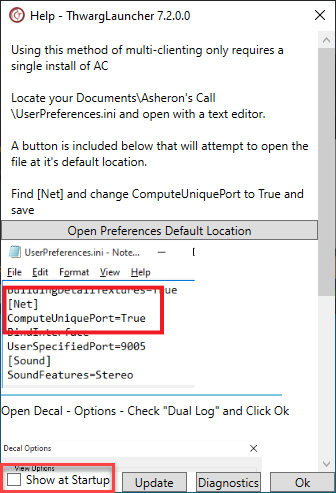
Next Uncheck the Show at Startup.
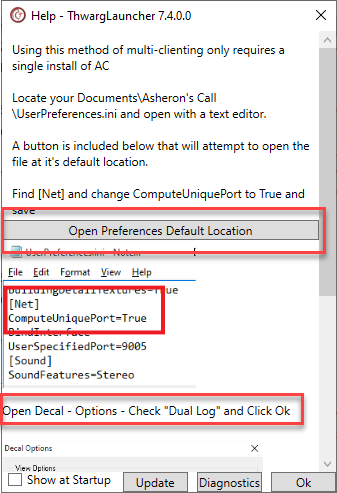
If you haven't clicked on the Dual Log option in Step 6 go back and open Decal and check it.
Lastly, register ThwargLauncher in Decal.
Click on your System Tray (little ^ in the lower right corner of your Windows screen by the date). Location the icon with a "+" sign in it.
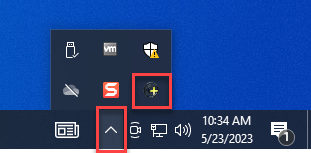
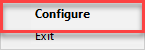
Then right click and choose Configure.
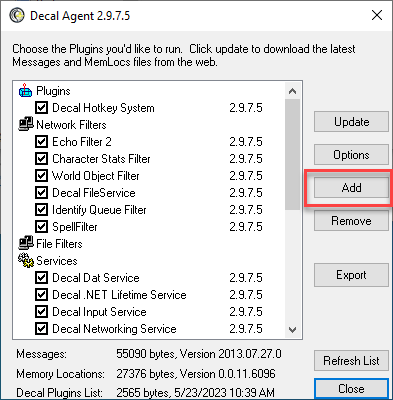
Then click Add.
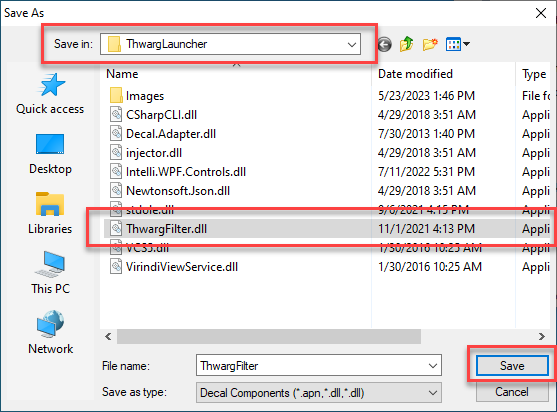
Next we are going to Browse to the C:\Program Files (x86)\Thwarle Games\ThwargLauncher
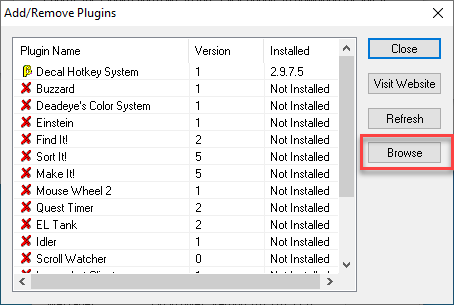
Select ThwargFilter.dll and Save
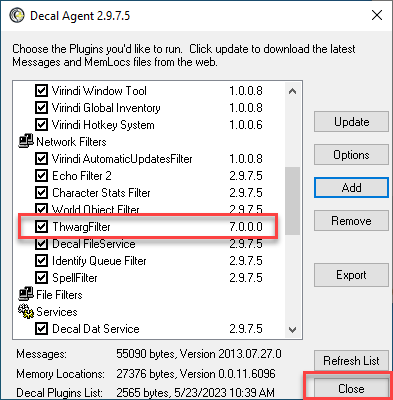
You should see it in the Network Filters section.
Next we actually get to play!